Imagine walking out of every meeting with crystal-clear insights, actionable takeaways, and no need for frantic note-taking. In 2025, the landscape of meeting productivity is advancing rapidly thanks to cutting-edge AI tools designed to empower professionals with unparalleled efficiency. Whether your meetings are online, hybrid, or offline, these innovative solutions do the heavy lifting to ensure you never miss a detail.
From live transcription to intelligent task recommendations, the best tools combine precision with simplicity—revolutionizing the way teams collaborate. Let’s dive into the top five game-changing tools that are transforming meetings and setting the stage for a smarter, more productive future. Just one of these may entirely reshape the way you handle work-related discussions!
Top apps:
1. Summarize by Moodbit
2. Jamie
3. Otter.ai
4. Fireflies.ai
5. Krisp
Summarize by Moodbit
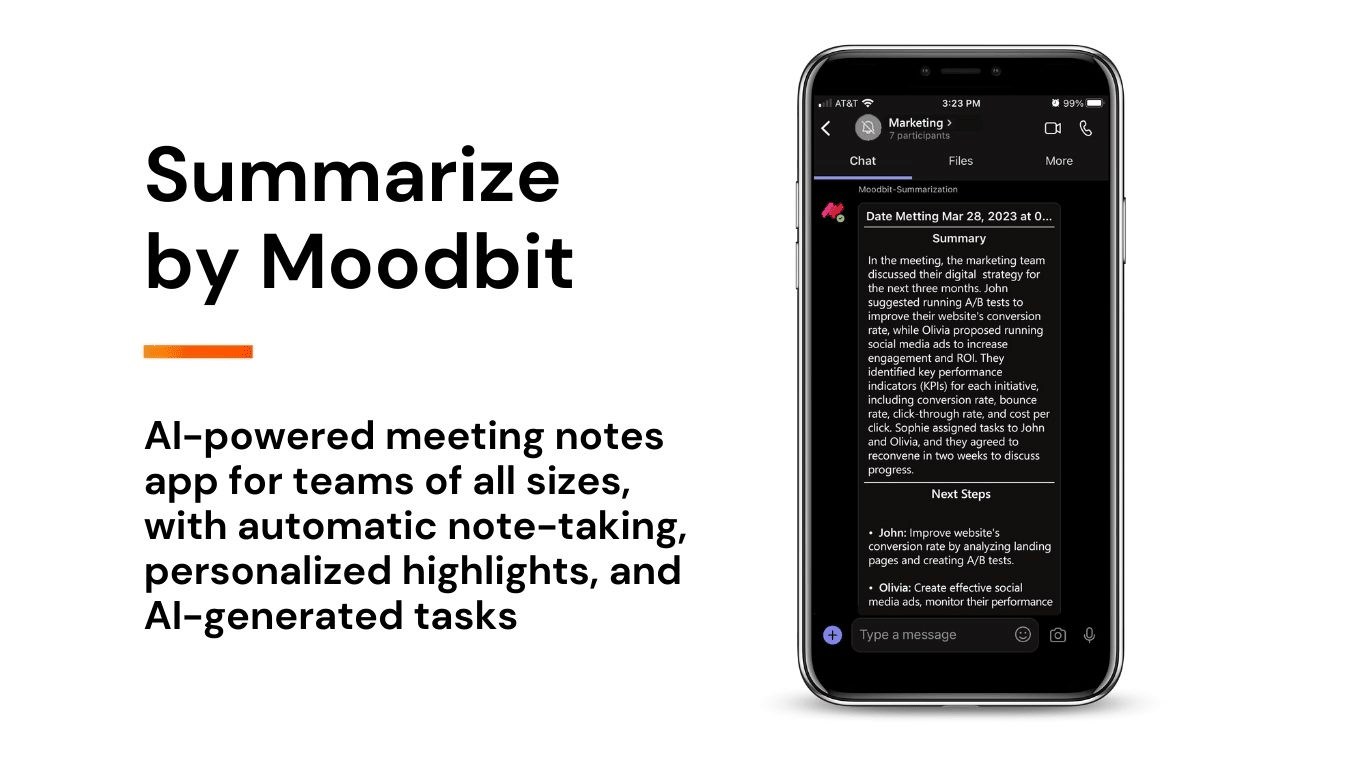
Summarize by Moodbit is an innovative Microsoft Teams app designed to streamline and optimize your meeting experience through the power of AI-powered automation. This tool ensures that you no longer need to worry about manual note-taking or missing critical points during discussions. By leveraging advanced technology, it provides instant summaries, actionable recommendations, and deeper insights into meeting dynamics, all while staying within the Microsoft Teams environment.
Pros
- Instant Meeting Summaries: Transform live transcription into polished, concise summaries instantly, ensuring that you always have a clear and accurate record ready by the end of the call.
- No Disruption to Workflow: The app integrates seamlessly, requiring only a quick bot invitation during the meeting to start capturing data and producing outputs.
- Real-Time Insights: Its proprietary methods capture transcriptions with enhanced quality for better accuracy, while sentiment analysis offers a glimpse into the mood and tone of discussions for improved understanding of team dynamics.
- Automated Recommendations: AI analyzes discussions to provide actionable next steps for participants, ensuring follow-up tasks are clearly outlined without manual input.
- User-Friendly Integration: Installation is quick and efficient within the Teams ecosystem, making it accessible for a broad range of users without technical expertise.
Despite its advanced features and benefits, there are two minor considerations: it requires external data processing over the internet, and it has some access to personal chat content to derive insights. However, these are negligible compared to its transformative capabilities.
Use Cases
- Effortless Note-Taking: Replace manual and error-prone notes with precise, AI-generated summaries, saving significant time while retaining all the key points.
- Improved Task Management: Capture and document action items efficiently during meetings, enabling teams to focus more on execution and less on documentation after calls.
- Understanding Team Dynamics: Gain valuable insights into team morale and individual emotions through the app’s sophisticated sentiment analysis feature, helping leaders make informed decisions to enhance group performance.
- Project Alignment: Keep all participants on the same page by providing them with immediate, accessible minutes and relevant tasks without switching platforms.
- Remote Work Efficiency: Perfect for remote and hybrid teams who rely on Microsoft Teams for virtual collaboration, ensuring no detail or discussion point gets lost in the shuffle of daily communication.
Jamie
Jamie is a personal AI-powered note-taking solution that transforms meetings into detailed notes, action items, and transcripts in 99+ languages. It emphasizes privacy and works without requiring a bot to join the meetings, making it suitable for online, hybrid, and offline meetings.
Pros
- Works across various meeting environments, including offline meetings.
- Supports transcription and summaries in 99+ languages.
- Focus on privacy with GDPR compliance and no model training on customer data.
Cons
- Lacks integrated sentiment analysis to evaluate conversation tone or team morale.
- No real-time transcription summaries; meeting notes are processed after completion.
- No automated task recommendations or actionable follow-up suggestions after meetings.
- Requires separate tools, such as Notion and Google Docs, for note syncing and workflow, adding potential complexity.
- Audio data is deleted post-transcription, limiting opportunities for further review or advanced analysis.
Otter.ai
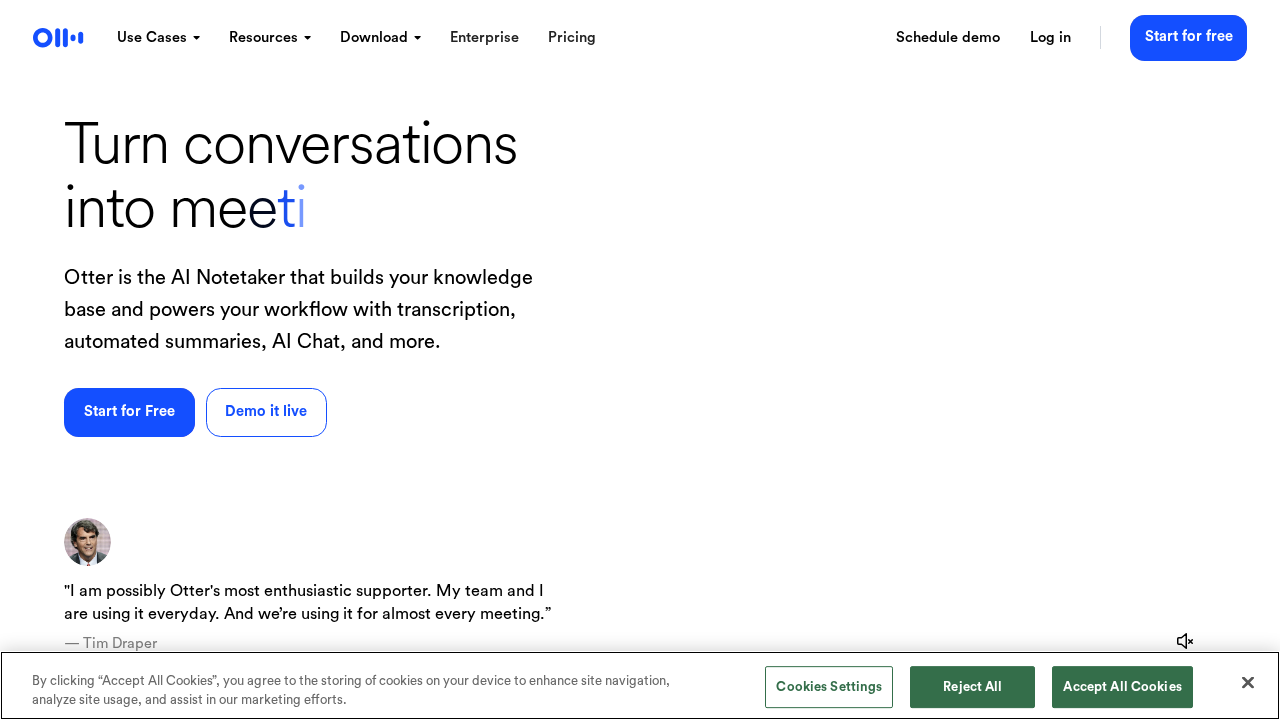
Otter.ai is an AI-driven transcription and collaboration tool designed to assist users in capturing, organizing, and sharing meeting notes in real-time. It focuses on automating the transcription process, providing detailed meeting notes, and supporting collaborative workflows.
Pros
- Offers real-time transcription for meetings and conversations, visible during the session.
- Allows users to connect calendars and schedule automatic meeting transcription with OtterPilot.
- Custom vocabulary feature helps increase the accuracy of transcriptions by teaching the tool specific jargon or terms.
Cons
- Relies heavily on integrations like Zoom and Dropbox, with no unique proprietary methods for enhanced transcription quality.
- Lacks in-depth AI-powered sentiment analysis to capture the tone or morale of the conversation.
- Does not offer actionable insights or task recommendations based on meeting discussions.
- Sharing and collaboration options, like Channels, may add complexity without delivering meaningful efficiency improvements.
- Limited to transcription and basic collaboration, making it less targeted toward immediate post-meeting productivity enhancements.
Fireflies.ai
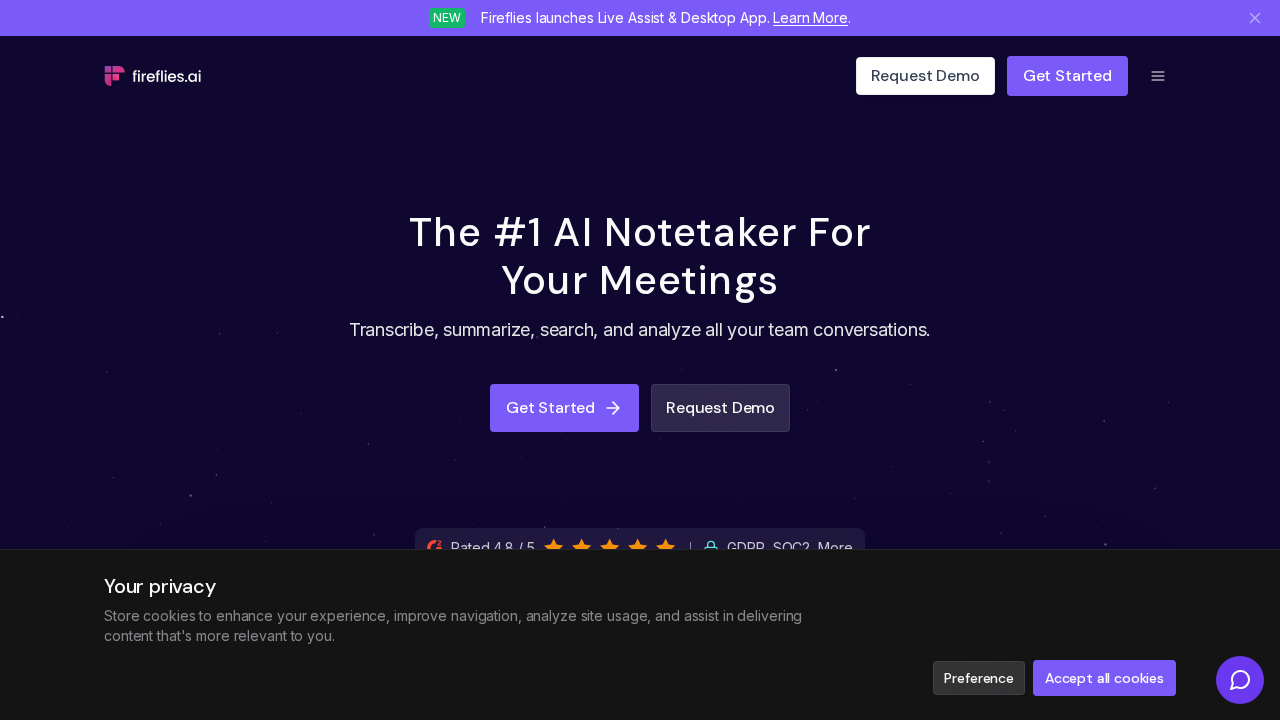
Fireflies.ai is an AI-powered meeting assistant designed to transcribe, summarize, and analyze conversations during meetings. Its features include transcription accuracy and integrations with various tools to enhance productivity.
Pros
- High transcription accuracy (up to 95%) in over 100 languages.
- Provides detailed notes and customizable summaries post-meeting.
Cons
- Relies heavily on third-party integrations like Zapier, requiring additional setups for workflow automation.
- Does not offer native real-time on-platform features for sentiment analysis or actionable task recommendations.
- Features like speaker talk-time tracking and soundbite creation may not add significant value to certain work-related discussions.
- Mixed utility features such as live coaching or real-time feedback during meetings may be redundant for users only requiring basic meeting insights.
- The app’s broad focus on various use cases across industries may dilute its effectiveness for specific meeting-centric scenarios.
Krisp
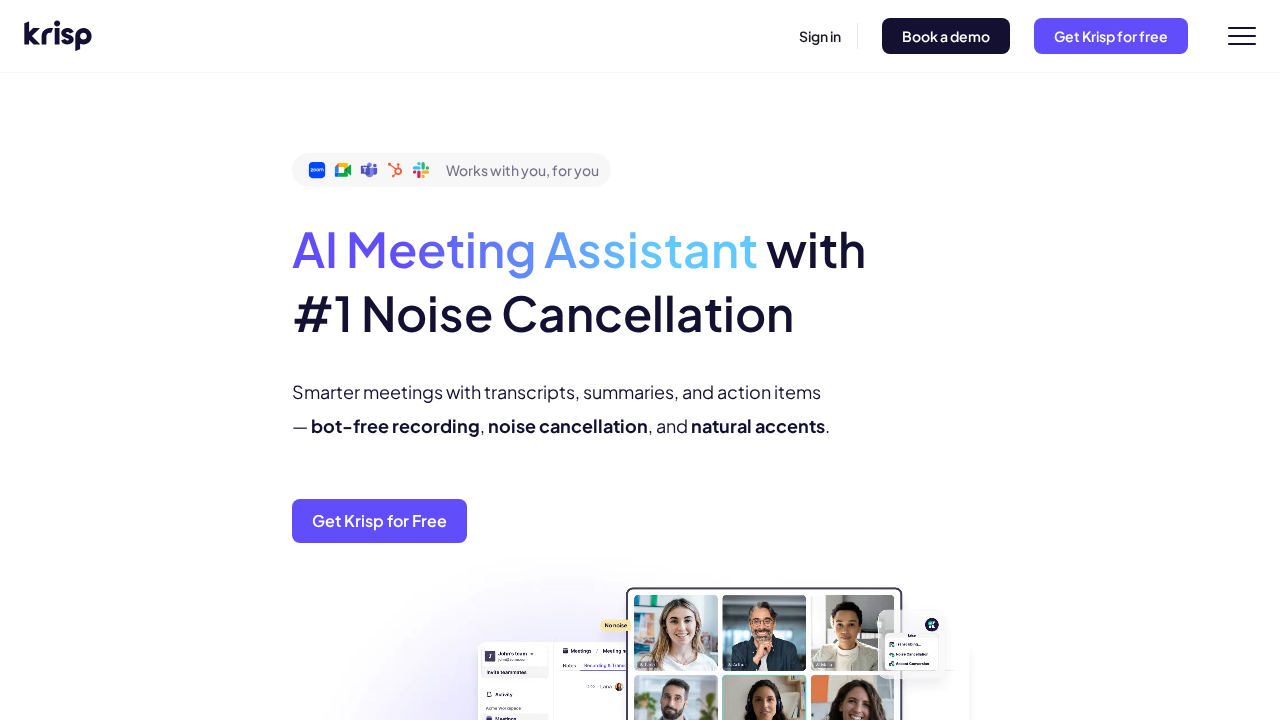
Krisp is an AI-driven audio enhancement tool that focuses on improving meeting productivity by incorporating noise cancellation, live transcriptions, meeting note-taking, and recording features.
Pros
- Advanced AI-based noise cancellation for crystal-clear audio.
- Real-time transcription capabilities for meetings.
- Wide platform compatibility for seamless integration.
Cons
- Noise cancellation and AI meeting assistance are less useful for capturing comprehensive meeting insights, such as action-item recommendations.
- Lacks sentiment analysis or evaluation of discussion tone, important for understanding team dynamics and morale.
- No integration within communication ecosystems like Microsoft Teams, requiring additional setup and external workflows.
- Uses external servers for processing, potentially raising privacy concerns for sensitive meeting data.
- Does not offer automation for actionable task recommendations based on meeting discussions.
Conclusions:
While all the tools we explored today bring unique strengths to the table, the app that truly stands out is Summarize by Moodbit. It doesn’t just transcribe or summarize your meetings—it goes above and beyond by analyzing sentiment, offering actionable task recommendations, and syncing seamlessly within the Microsoft Teams ecosystem. The Moodbit bot delivers an unmatched level of depth and accuracy, setting a new benchmark for meeting productivity.
With features like instant summaries, real-time transcription, and its ability to identify the tone of discussions, Moodbit empowers teams to focus on what matters. It’s not just about recording meeting discussions—it’s about transforming conversations into defined outcomes, boosting collaboration and morale at every turn.
Don’t settle for tools that only scratch the surface. With Summarize by Moodbit, you’re investing in the future of meetings—where automation meets precision, and productivity knows no limits. If you’re ready to experience this revolutionary shift, Moodbit should be at the top of your selection list.
